When it comes to email marketing, your words matter, but your images? They speak first. The right photo can instantly capture attention, spark curiosity, and drive clicks. But too many images (or the wrong kind) can actually hurt your email’s performance.
A recent study found that emails with images average up to 42% higher click-through rates in the entertainment and events industry, but only when used strategically. That’s why choosing how many images to include, and which ones—is so important.
So, how do you get it right?
Let’s break down the best practices for using images in email, how many to include, where to place them, and which photos work best for the types of emails your venue is already sending. Whether you’re building a longer newsletter or a quick promo blast, we’ll show you how to make your visuals shine.
Still wondering if email marketing is worth it? What’s the ROI on One Extra Booking? More Than You Think breaks it down.
Which Photos to Use (And Which to Avoid)
Don’t worry, you don’t need to be a photographer to get this right.
In fact, phone cameras today are more than good enough for capturing great shots, especially in well-lit areas of your venue. The key is being intentional.
Here’s what works best:
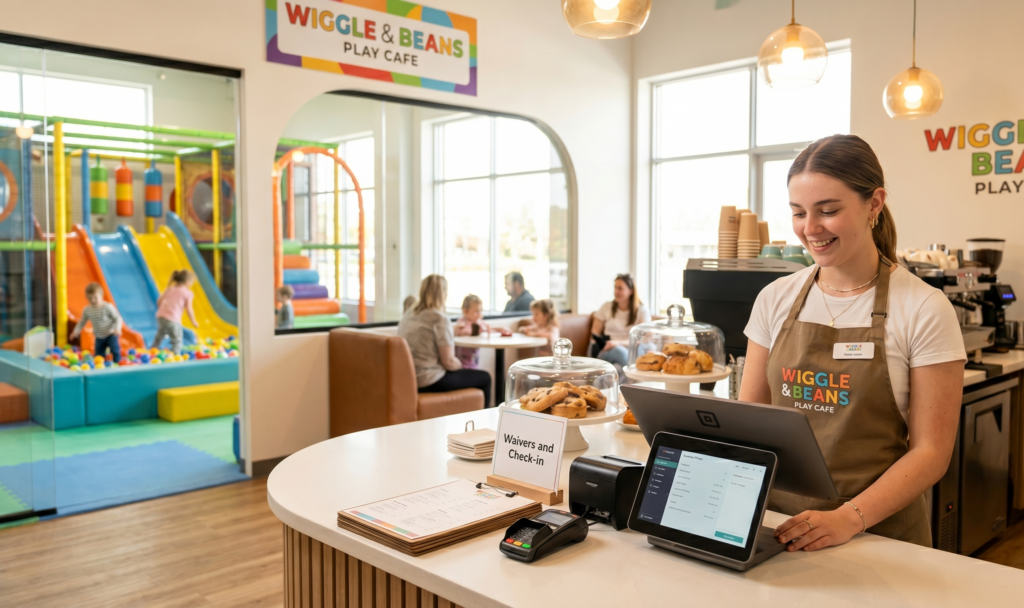
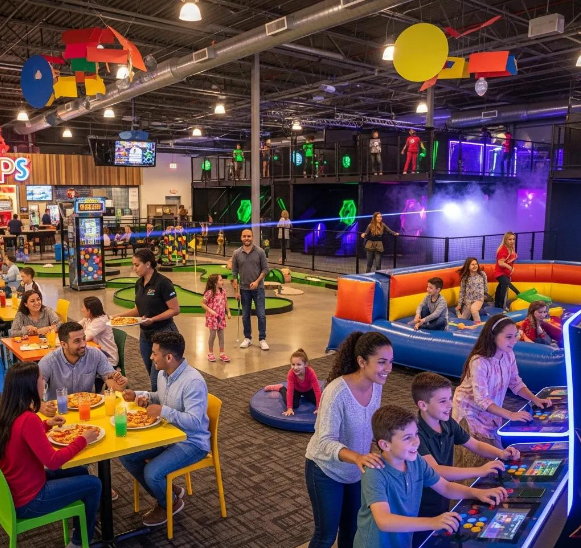
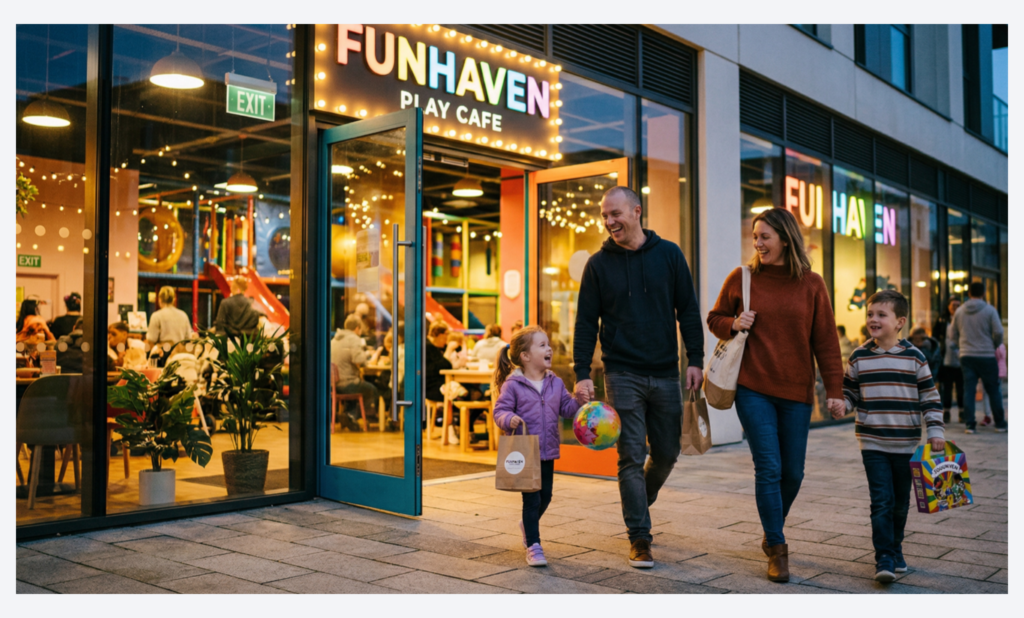
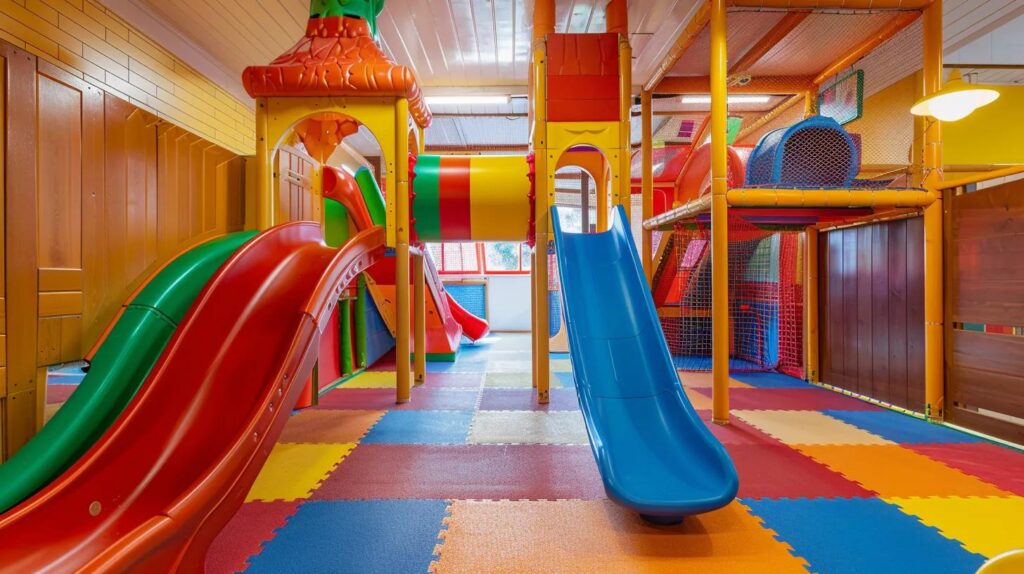
- Real photos of your space: Kids playing, families smiling, birthday party setups, staff in action. Guests want to see the real experience.
- Seasonal themes or event highlights: Got a haunted maze? A summer splash party? Show it off.
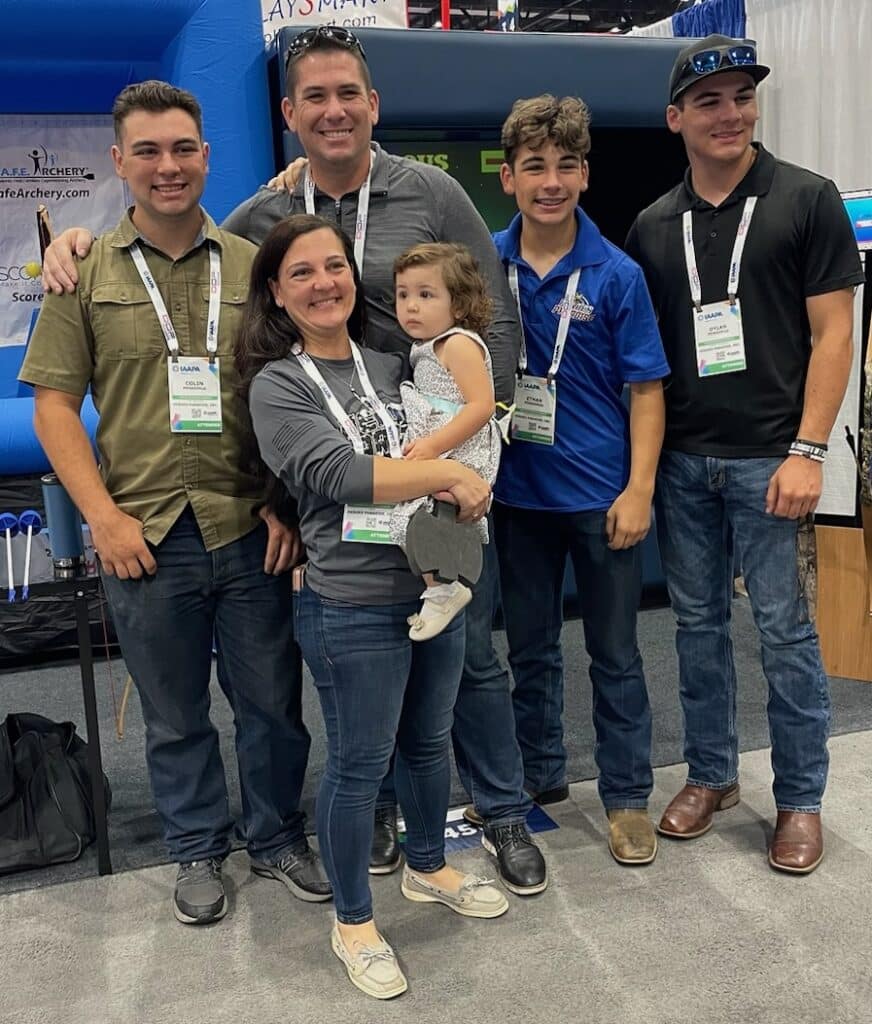
- You or your family: If your customers know you personally or follow your journey, including you in a photo makes the email feel more authentic.
It’s also okay to use stock photos, but only when they match the intent of the message. For example, announcing a new food item? A well-lit, generic pizza photo could work just fine. But avoid overly polished or unnatural images that don’t reflect your brand.
⚠️ Avoid:
- Placing important text information exclusively in the photos, because they can be blocked by email viewers, and your readers may not receive the important information. Just be sure to also have the same important text in the body of your email.
- AI-generated photos (unless used for a fun, obvious purpose like a vampire at your Halloween party).
- Watermarks.
- Poorly lit, blurry, or cluttered photos.
- Photos that don’t relate to the email’s content.
💡 Pro Tip: If you ever hire a photographer, get as many shots as possible. Use them across your emails, website, and social. Look for someone with experience capturing kids and action shots. Make it worth the investment.
Not sure what to write in your subject line? Check out our post: The Best Subject Lines for Booking More Parties and Visits
Match the Photo to the Message
Every image should support your email’s goal. Don’t just drop in a random photo to fill space; make it count.
Here’s how to break it down by email type:
Monthly Newsletters
- Ideal image count: 2–3
- Header: 600×200 (branded banner or event highlight)
- Body photos: 1–2 additional images, like upcoming events or staff features
Promos, Offers, or Event Alerts
- Ideal image count: 1–2
- Header: Larger and bold, up to 600×400
- Body image: 1 max—like a new attraction or limited-time offer
These emails are shorter and more action-oriented, so keep the focus clear. And remember: avoid using one large image as the entire email. Many inboxes won’t load it properly, and it won’t display text-based content for search or accessibility.
Think Beyond the Email
Your email shouldn’t live in a bubble.
The photos you use here should also appear on your website and social media. Why? It builds consistency, and consistency builds trust.
Think of each email as part of a mini-campaign. A photo you include in your party promotion email could also headline a Facebook post and live on your party booking page. This reinforces the message and helps guests connect the dots across channels.
✅ Image Guidelines Recap
- Keep it simple: 1–3 images per email
- Always match the photo to your message
- Important text should also be in the body of the email in case images get suppressed.
- Use real photos from your venue whenever possible
- Avoid over-editing, watermarks, or clutter
- Repurpose images across your marketing for consistency
Ready to Create Emails That Look Great and Work Hard?
Aluvii’s no-code email builder includes a free, built-in image editor, so you can crop, resize, and polish your photos in just a few clicks. But if you’d rather have someone handle it for you, we’ve got you covered.
Our team offers fully managed email marketing services built just for family entertainment centers. We’ll write the subject lines, design the emails, send them to your guest list, and review results with you, so you can stay focused on running your business while we handle the follow-up.
Already using Aluvii? Email us at [email protected] to learn more about Growth Marketing Services.
New here? Book a free demo and see why Aluvii is the most trusted all-in-one software for family entertainment venues.